Preview Before You Ink
Cover up, redo, or preview your next tattoo
See it on skin before you commit. Generate cover-up concepts, simulate aging, or drop a design onto your photo — free to try, no subscription.
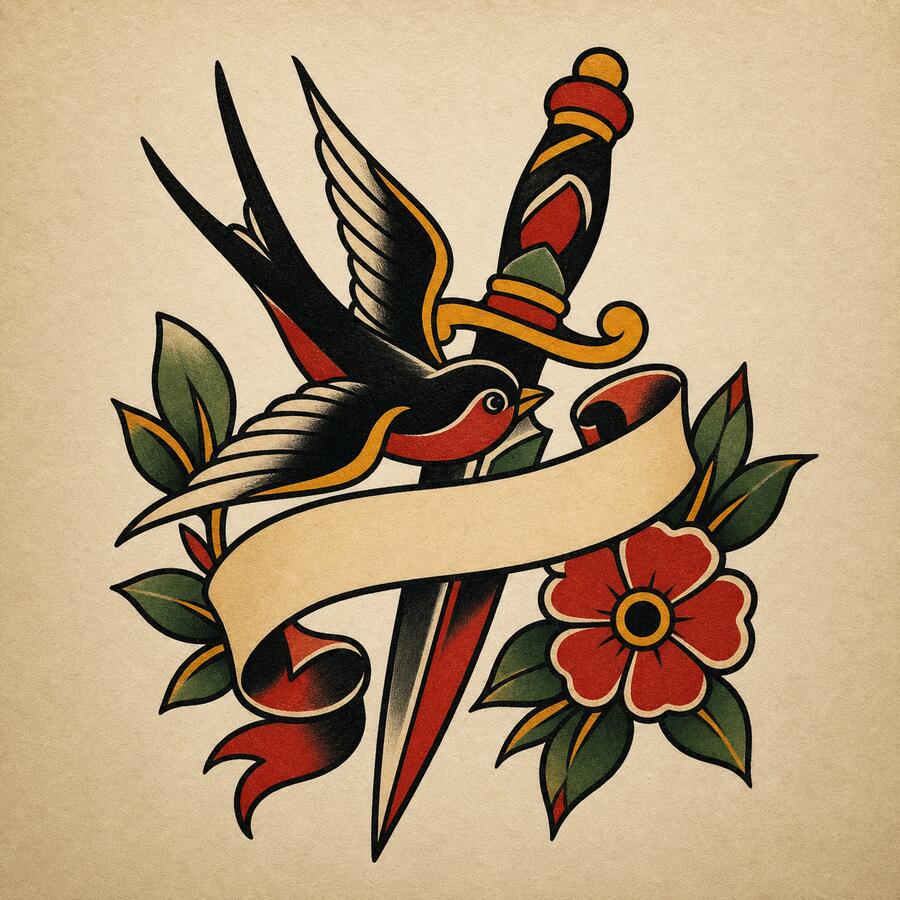
Your design appears here
Describe an idea on the left, then hit Generate — defaults are already set.
80,000+
cover-up concepts generated
4.8 / 5
average rating
100% private
your ideas stay yours
“I had a faded tribal piece I wanted gone. Uploaded a photo, described what I wanted over it, and had four realistic cover-up directions in under a minute.”
“The aging simulator showed me how fine lines fade in 10 years — changed my whole design choice. This is the tool tattoo studios should hand every client.”
“Saw the placement on my actual forearm before I even booked a consultation. One-time pass, no hidden subscription.”
How the cover up tattoo generator works
RedoInk is built around one idea: see it before you commit. Whether you're covering a regret, planning a redo, or just visualizing a new piece on your actual skin, the studio gives you four design directions in seconds — plus an aging preview so you know how it holds up a decade from now. No blank-canvas anxiety, no subscription, no regret.
Describe your existing tattoo (or new idea)
Tell us what you have and what you want. Or skip straight to a new design — upload a reference photo or hit the dice for a starting idea.
Pick a style
Choose from ten tattoo styles. For cover-ups, blackwork and geometric tend to dominate underlying ink best — we'll note which styles hold up.
Generate four directions
Get a line sketch, two finished cover-up designs, and a placement preview at once. The aging simulator runs automatically so you see long-term durability alongside the fresh look.
Preview on your photo, then refine
Drop the design onto your own photo to check scale and placement. Use Refine to nudge linework, color, or coverage without starting from scratch.
Frequently asked questions about RedoInk
Is the cover up tattoo generator free? +
Yes. You get 8 free credits as soon as you sign in — enough to generate a full set of four cover-up concepts. You can view every result for free. Clean, high-resolution, watermark-free downloads unlock with a one-time access pass (no subscription, no auto-renew).
How does the cover-up generator work? +
Describe your existing tattoo and the direction you want to go — e.g. 'faded tribal piece, want a botanical sleeve over it'. Pick a style, hit Generate. RedoInk produces four cover-up directions at once — a line sketch, two finished cover-up designs, and a placement preview — in about 15 seconds.
What is the tattoo aging simulator? +
The aging simulator renders how a design will look after years of sun, skin changes, and ink settling. Fine lines and light washes fade faster than bold blackwork — seeing this before you commit helps you choose a design that ages gracefully.
Can I preview a tattoo on my own photo? +
Yes — upload a photo and RedoInk places the generated design on your skin so you can judge the scale, placement, and overall look before booking an appointment.
What tattoo styles are supported? +
Traditional, minimalist, watercolor, geometric, realistic, Japanese irezumi, tribal, dotwork, blackwork, and neo-traditional — each tuned for tattoo-appropriate linework and shading, and each tested against common cover-up challenges like dark underlying ink.
Can my artist use these designs? +
Absolutely. The line sketch is built to hand off to a tattoo artist as a stencil starting point. Download a clean, high-resolution file with an access pass.
Do you store my ideas? +
Your prompts, uploads, and designs are private. We never publish your creations or sell your data.