See it before you commit.
A cover up tattoo generator and preview studio: explore cover-up concepts, turn a reference photo into tattoo directions, and review aging risks with a checklist before meeting your artist.
Example results
-
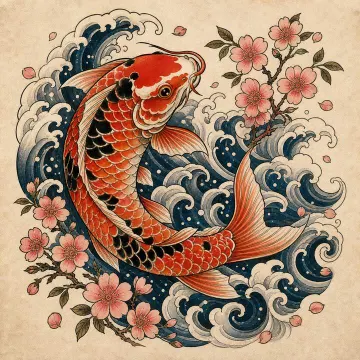 Example
 -
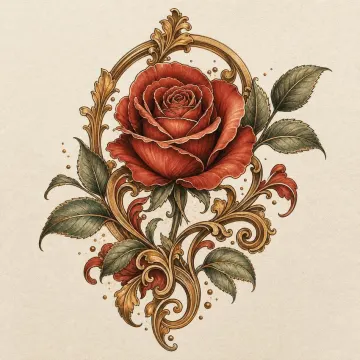 Example
 -
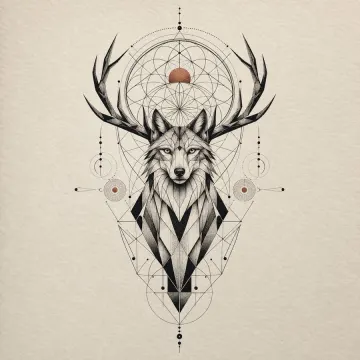 Example
 -
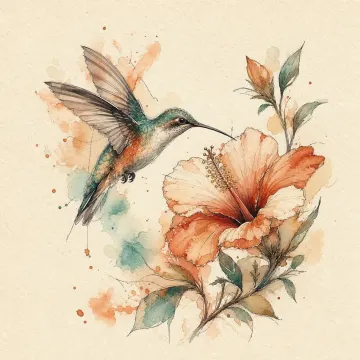 Example
What's on your mind?
Pick the situation closest to yours — we'll show you real examples, not a form to fill out.
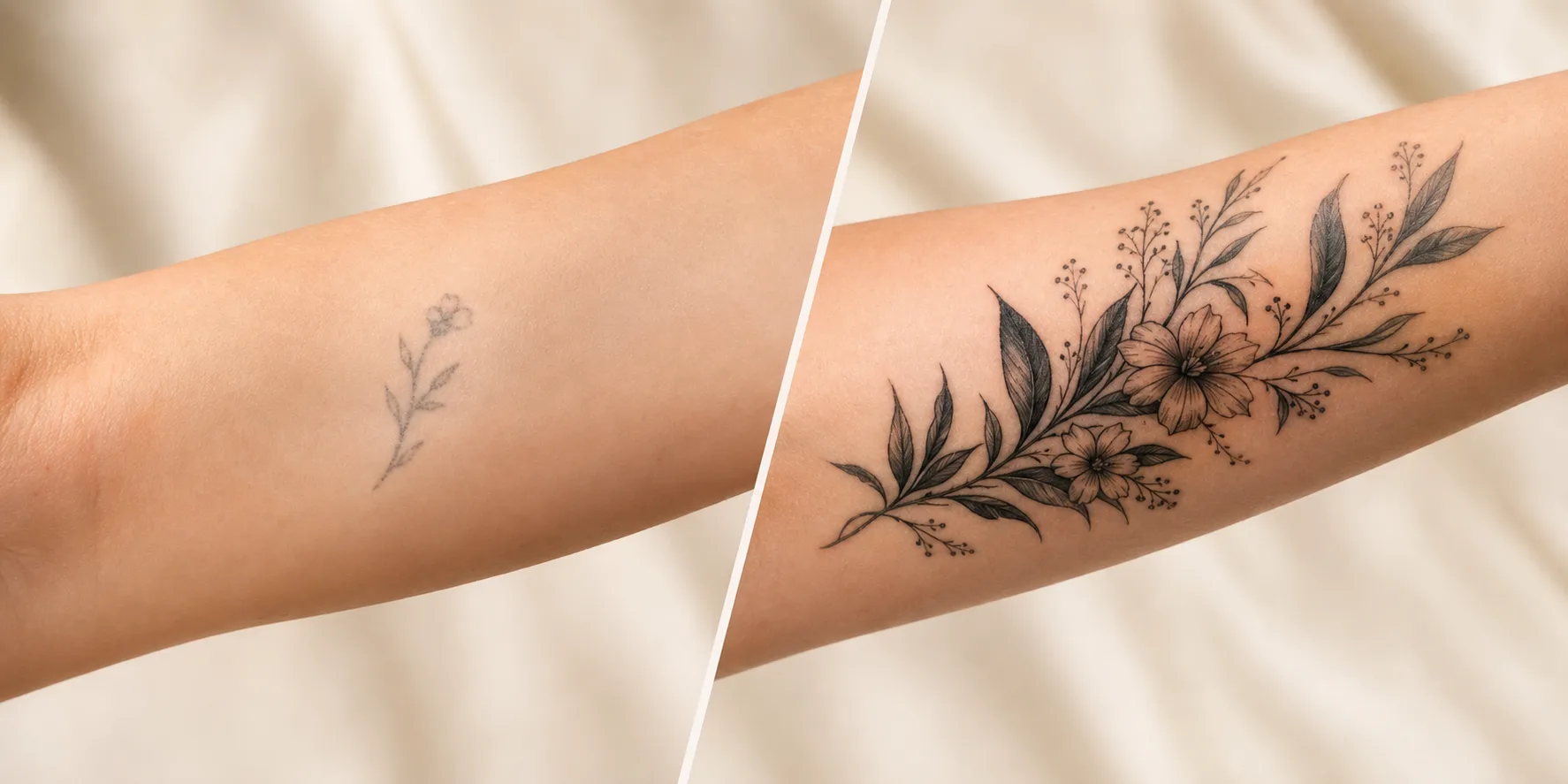
Thinking about covering up an old tattoo?
See a realistic cover-up before you commit to the redesign.
Preview a cover-up
Thinking about covering up an old tattoo?
See a realistic cover-up before you commit to the redesign.
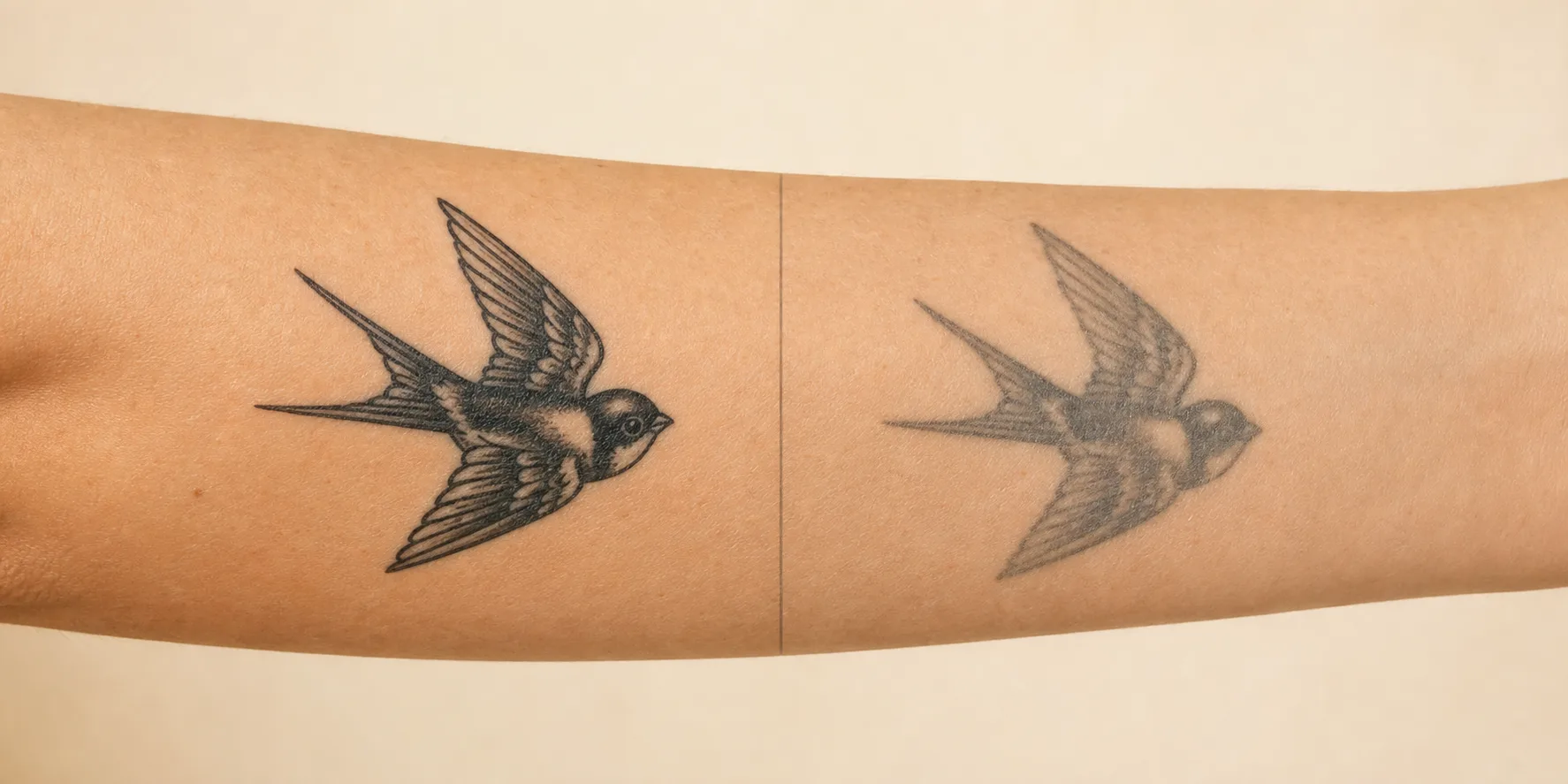 Aging guide illustration
 Worried how it'll age?
Generate a design, then check its line weight, color, and placement against a style aging guide.
Plan for aging Generate ideas, then review the aging guide
Aging guide illustration Worried how it'll age?
Generate a design, then check its line weight, color, and placement against a style aging guide.
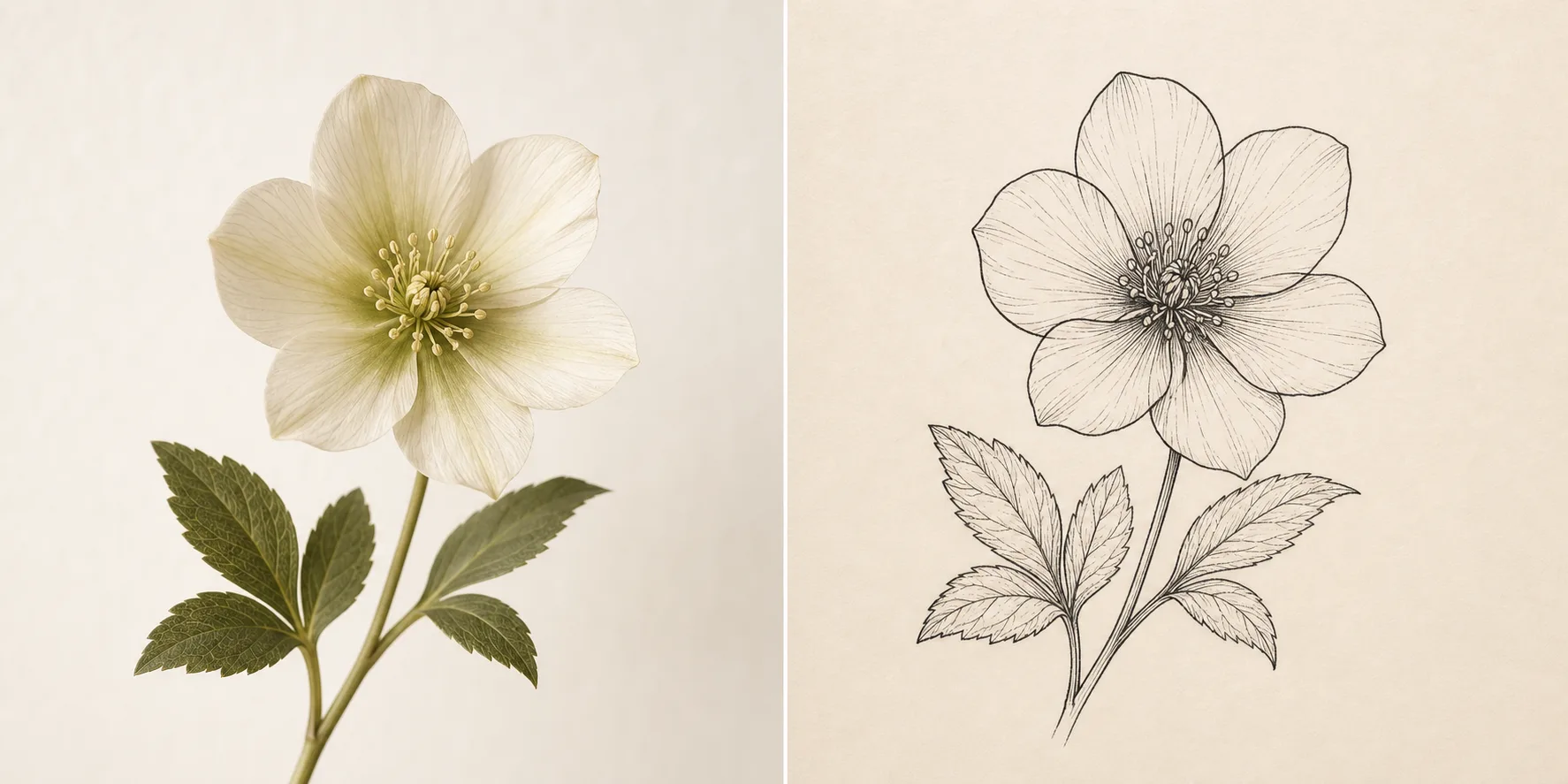
Have a photo, want it as a tattoo?
Turn a pet, portrait, or keepsake photo into clean tattoo-ready line art.
Convert a photo
Have a photo, want it as a tattoo?
Turn a pet, portrait, or keepsake photo into clean tattoo-ready line art.
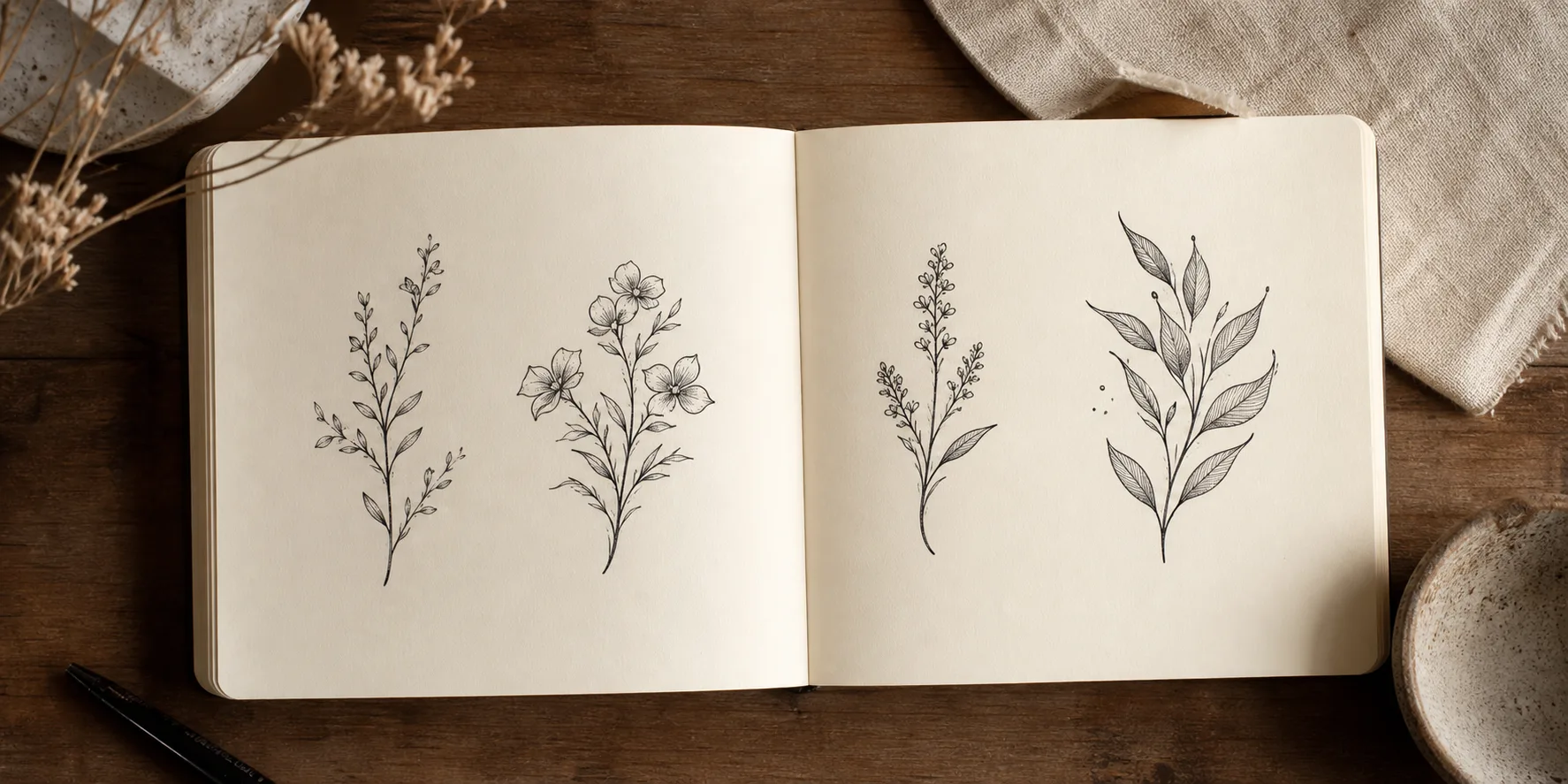
Not sure what you want yet?
Start loose — describe a feeling or theme and explore where it leads.
Explore ideas
Not sure what you want yet?
Start loose — describe a feeling or theme and explore where it leads.
Start here
Try it yourself
How RedoInk works
Pick your concern
Choose the card closest to what's on your mind — or explore if you're not sure yet.
Preview instantly
Sign in with Google and see a real generated result in seconds.
Save or refine your favorite
Keep exploring variations, then save or hand off the one that feels right.
Four outputs per generation
Each run returns a line sketch, two finished directions, and a placement preview so users can compare instead of trusting a single image.
Clear credit boundary
Free starter credits create watermarked previews. Credit packs continue generation; Pro unlocks watermark-free downloads.
Private planning space
Prompts, reference photos, and generated tattoo ideas stay in the user's account and are not published as public galleries.
Before you bring it to an artist
- Existing tattoo photo is optional but improves cover-up direction.
- Line sketch is a reference for an artist, not a final stencil guarantee.
- The aging guide is a checklist for discussing designs with your artist.
Find a style that fits your idea
Ten tattoo styles, ready to filter your preview by the look you already have in mind.
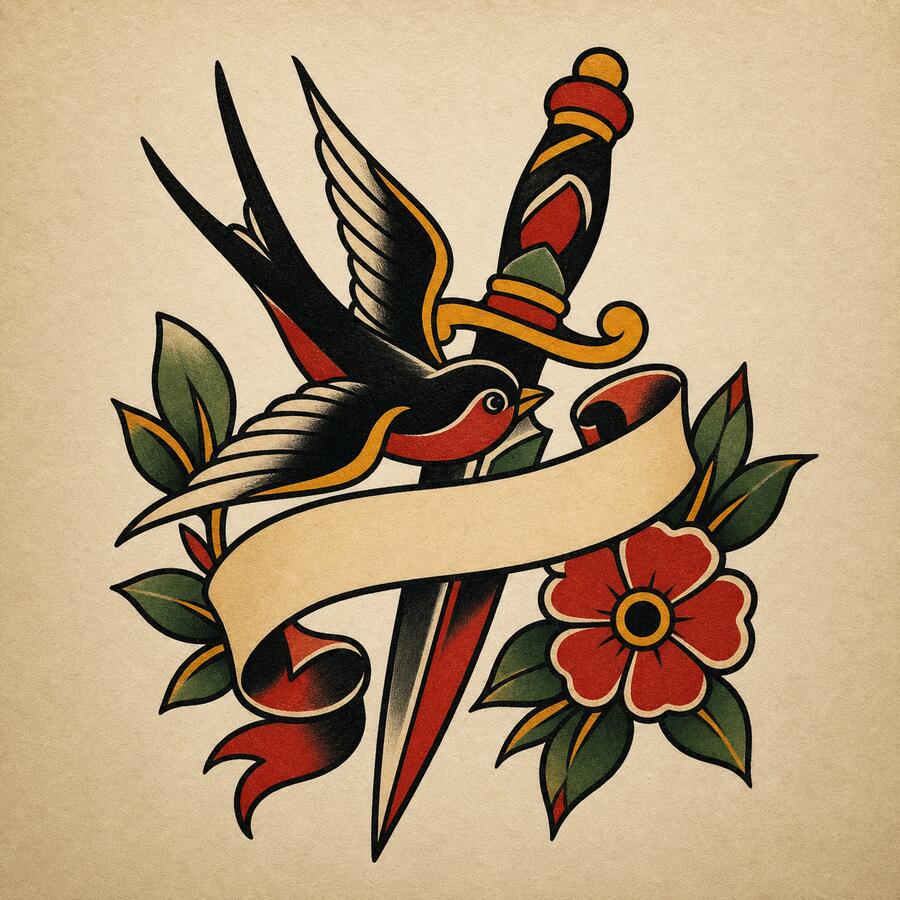
Traditional
Bold outlines, vibrant colors, iconic American tattoo imagery
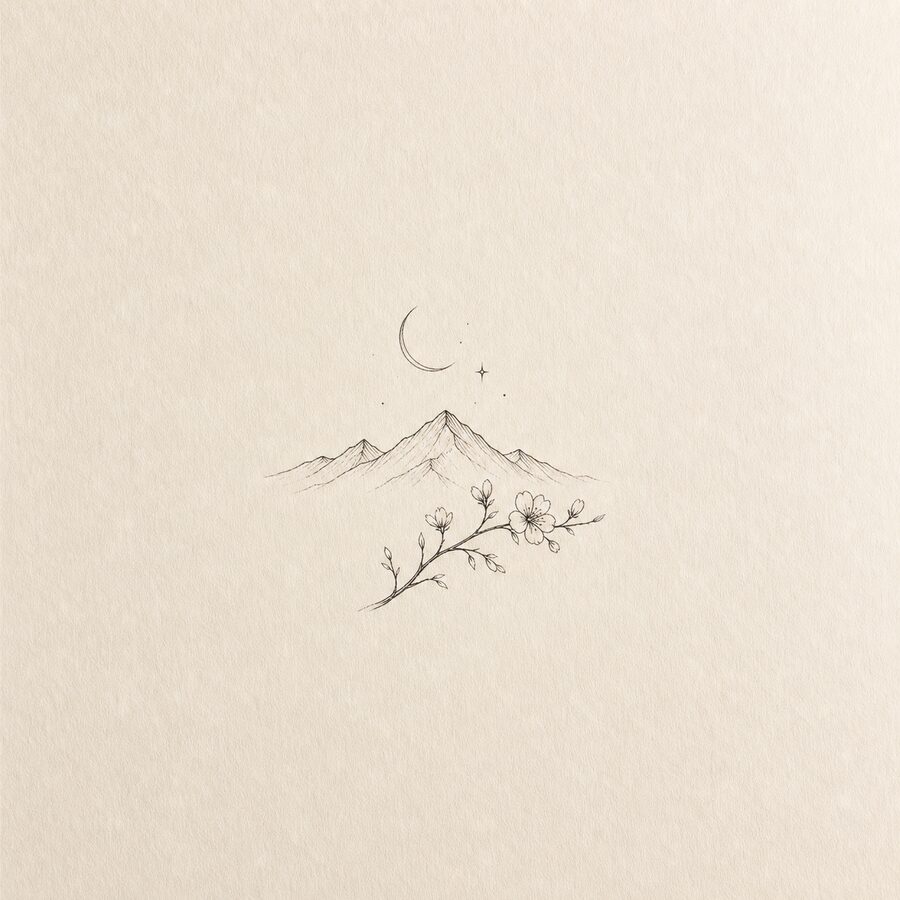
Minimalist
Fine lines, simple shapes, clean and elegant designs
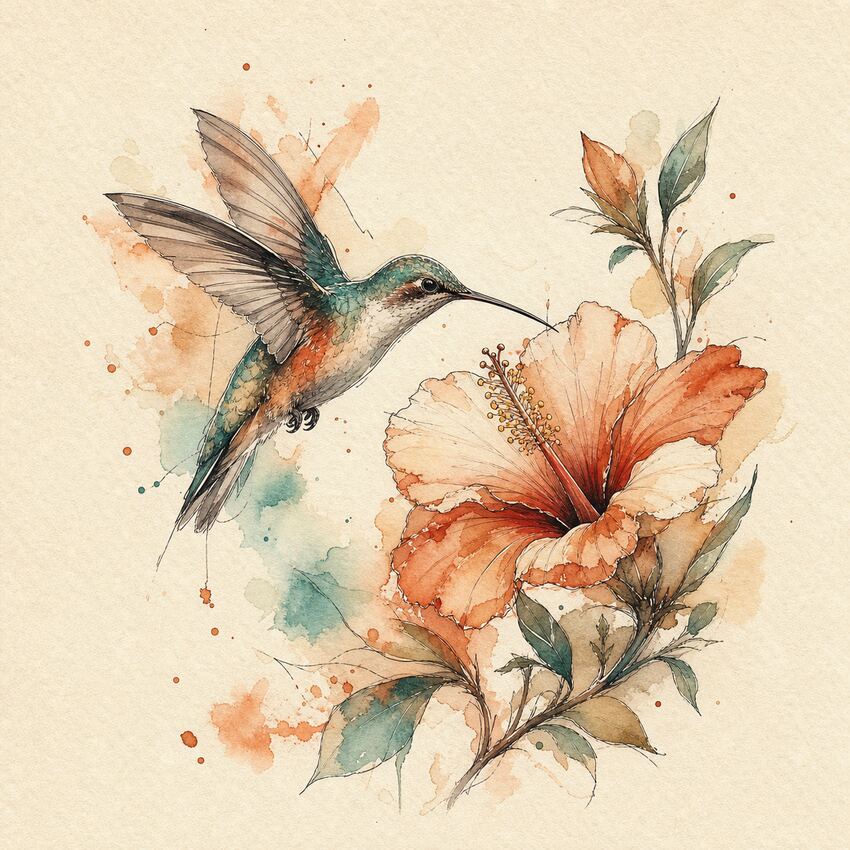
Watercolor
Soft color splashes with a painterly artistic effect
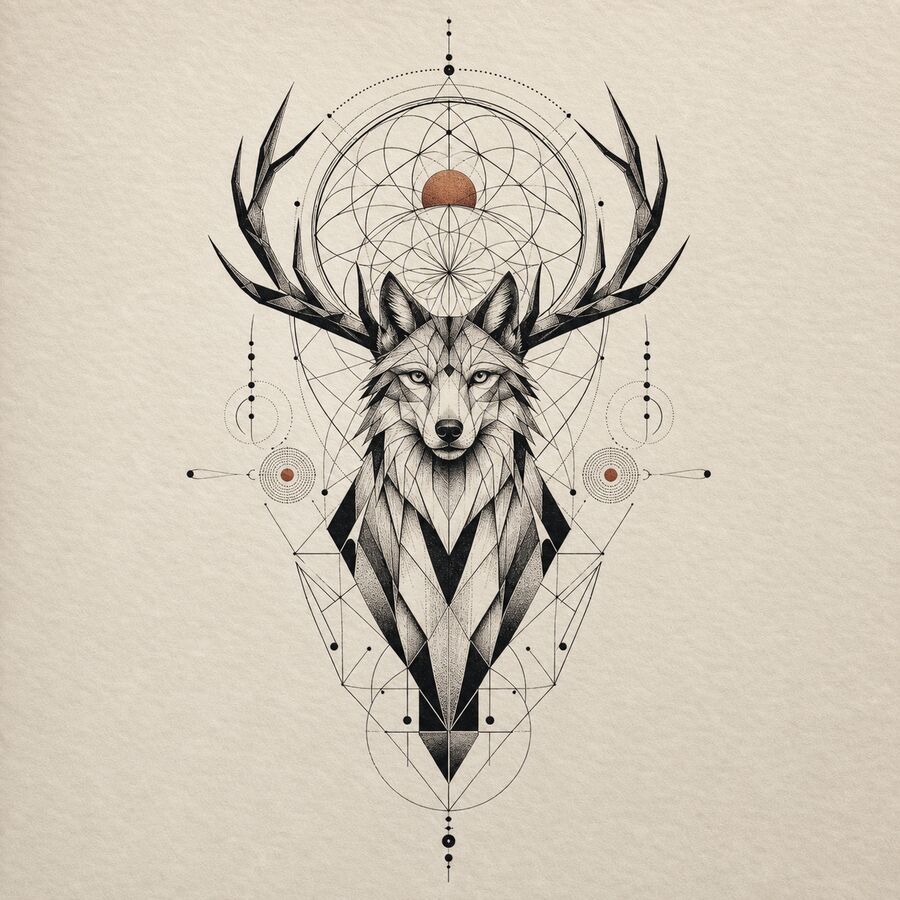
Geometric
Sacred geometry, precise patterns, mathematical precision
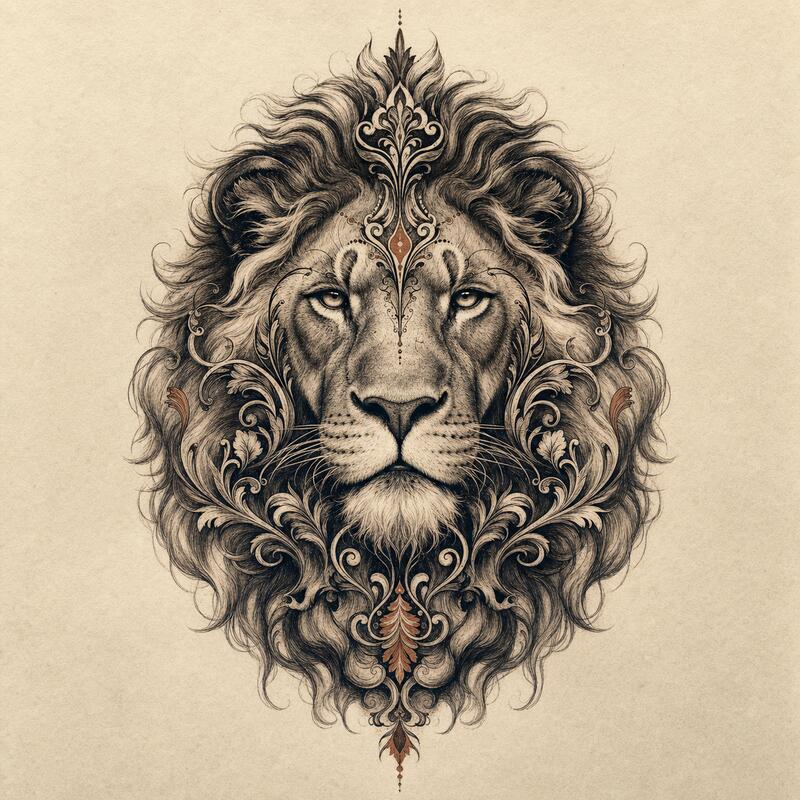
Realistic
Shaded realism with depth, contrast, and tattoo-aware detail
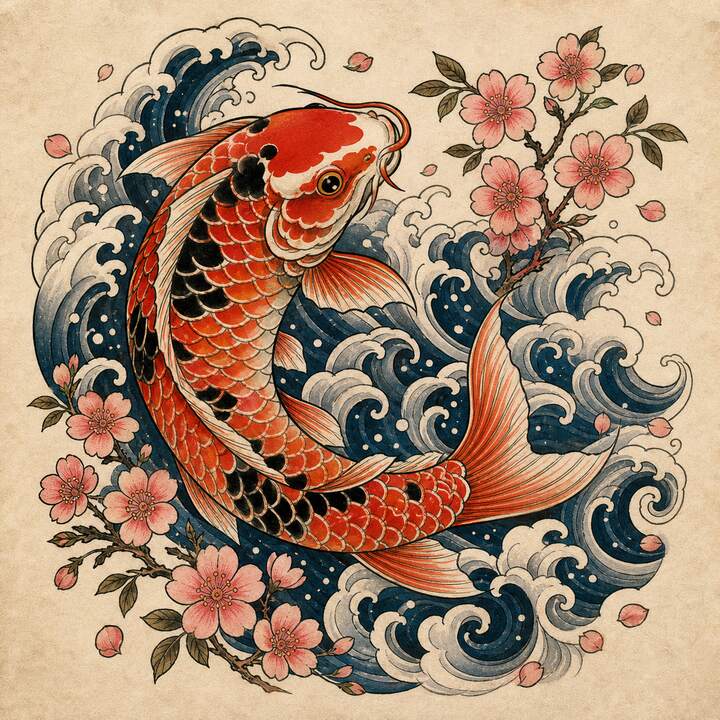
Japanese
Traditional irezumi with waves, dragons, Japanese art motifs
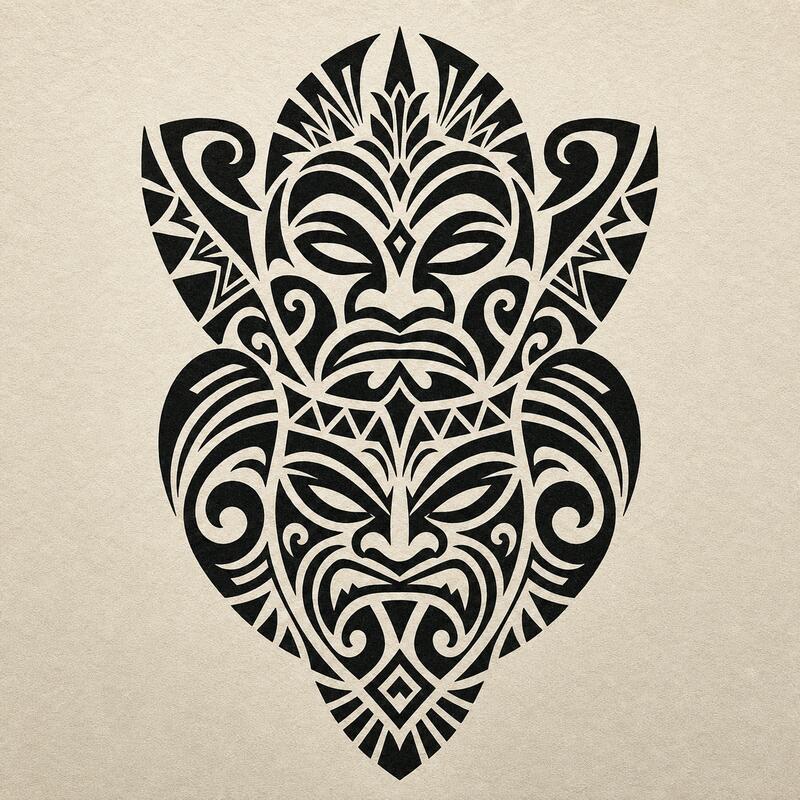
Tribal
Bold black ink with flowing patterns and cultural motifs
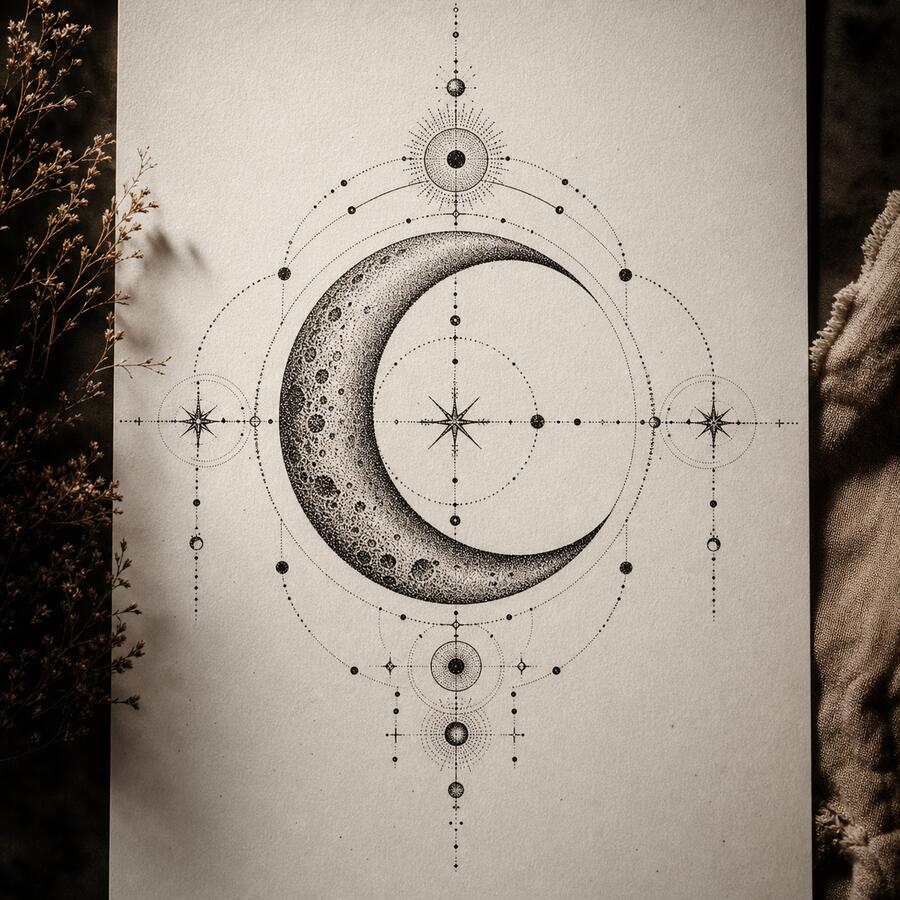
Dotwork
Intricate stipple shading built entirely from dots
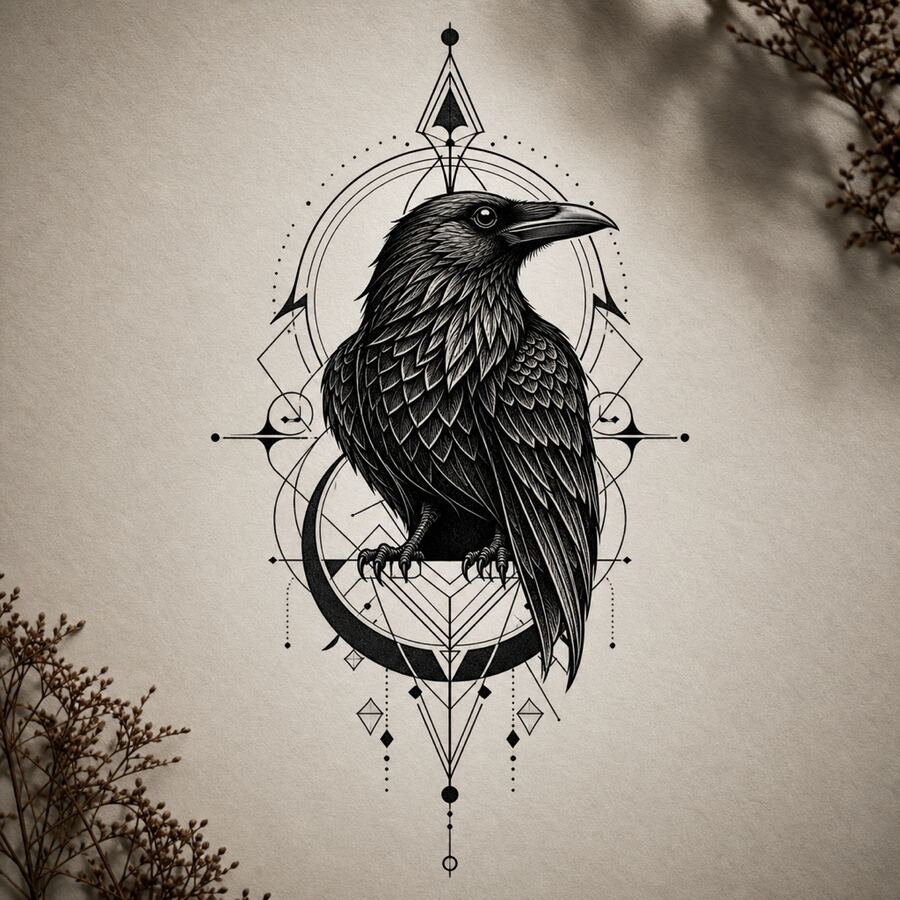
Blackwork
Solid black ink with high contrast and bold visual impact
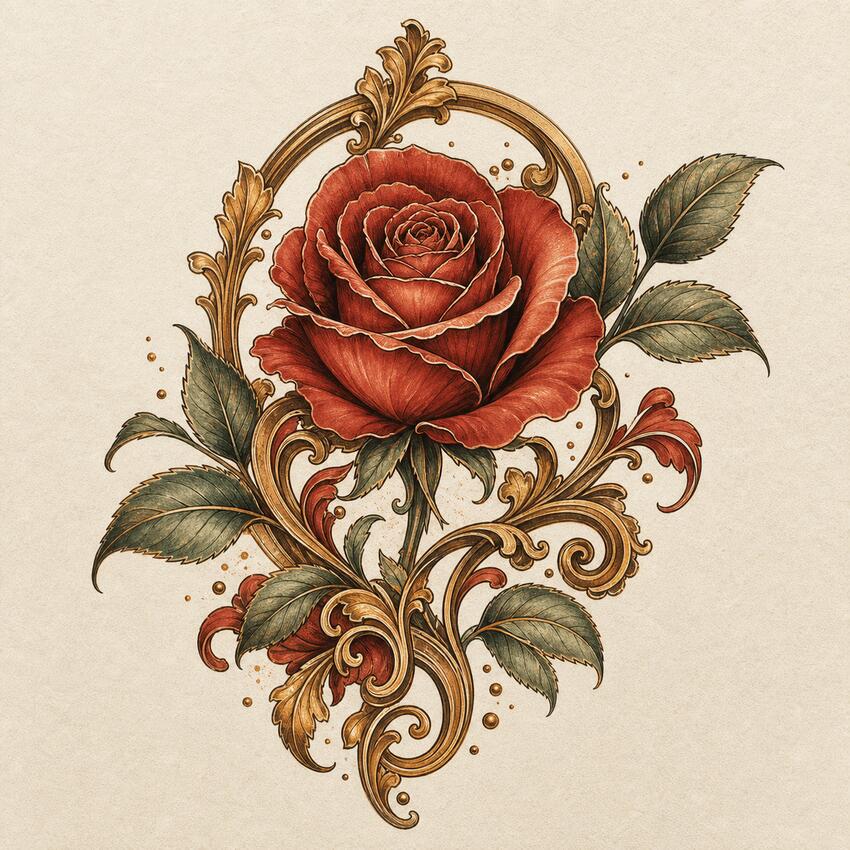
Neo-Traditional
Modern evolution of traditional with more detail and dimension
Browse ideas by style and placement
Inspiration galleries to explore before you commit to a concern above.
Start free, upgrade when you're ready
Free Preview
Enough credits to try your first cover-up or photo preview.
- 8 free credits to start
- All 4 concern tools unlocked
- Standard resolution
RedoInk Plus
More credits for refining until a design feels right.
- 200 preview credits / month
- High-resolution downloads
- Priority preview queue
A cover up tattoo generator built for real decisions
RedoInk is a cover up tattoo generator for anyone sitting with old ink they've outgrown. Instead of guessing what a blackout, rework, or full redesign might look like, you upload a photo — or just describe the tattoo — and get four concrete directions back: a clean line sketch, two finished designs, and a placement preview on real skin proportions. You can also turn a reference photo into linework and use the tattoo aging guide to prepare questions about a design's long-term readability before meeting your artist.
Covering an existing tattoo is a harder design problem than starting on bare skin — the new piece has to sit on top of old pigment, hide the parts that bother you, and still read cleanly once it heals. A generic AI tattoo generator that only draws on empty canvas won't show you that. RedoInk's cover-up flow accounts for the tattoo already there: it factors in size, placement, and how dark the underlying ink is when it proposes blackout, rework, geometric, or redesign directions, so what you preview is closer to what an artist could actually do.
Describe your existing tattoo (or new idea)
Tell us what you have and what you want. Or skip straight to a new design — upload a reference photo or hit the dice for a starting idea.
Pick a style
Choose from ten tattoo styles. For cover-ups, blackwork and geometric tend to dominate underlying ink best — we'll note which styles hold up.
Generate four directions
Get a line sketch, two finished cover-up designs, and a placement preview at once. Use the aging guide's checklist to review the concepts before discussing them with your artist.
Preview on your photo, then refine
Drop the design onto your own photo to check scale and placement. Use Refine to nudge linework, color, or coverage without starting from scratch.
Choose the right RedoInk tool for the job
The homepage studio handles most cover-up, redo, and preview requests in one pass. If you already know exactly what you need, these focused tools skip straight to it.
Cover up tattoo generator
Upload the tattoo you want covered and compare blackout, rework, geometric, and redesign concepts.
Tattoo aging guide
Generate a design and check its line weight, color, and placement against a style aging guide.
Photo to tattoo
Turn a pet photo, portrait, or object photo into a clean tattoo line sketch or stencil.
Virtual tattoo try-on
Upload a body photo and preview any design's placement and scale before you book.
How to pick a cover-up direction that actually works
The single biggest factor in a good cover-up is contrast, not creativity. If the old tattoo is dark or dense, the new design needs enough of its own black and shading to sit on top of it — thin, pale linework will let the ghost of the original show through. That's why blackout and bold geometric directions tend to outperform delicate fine-line redesigns when the tattoo underneath is heavily saturated.
Placement also constrains what's possible. A cover-up almost always needs to be larger than the original piece, because the new design has to extend past the old edges to blend cleanly rather than framing it like a picture. When you generate cover-up concepts, pay attention to how far each direction spreads past the original outline — a design that barely covers the existing ink usually isn't ready to bring to an artist.
Finally, think about what you actually disliked about the original tattoo. If it's the subject, a full redesign in a completely different style is often the cleanest fix. If it's just faded or blown-out linework on a subject you still like, a rework that reinforces the same shapes with better technique can be a smaller, cheaper change than starting over.
Review aging risks before a cover-up
The four generated directions show a proposed design. They do not include a Day 1 versus Year 20 simulation. Use the aging guide's checklist to review line thickness, contrast, color, and placement in each concept, then bring the questions you identify to your artist.
Ask your artist which details are practical over your existing ink and how they would adjust the linework or contrast. The generated concepts and checklist are discussion aids; they do not predict how a tattoo will look on your skin years later.
Turning a photo into a tattoo design
Not every idea starts with a blank cover-up brief. The photo to tattoo flow is for when you have a specific reference — a pet, a family photo, a piece of art, or a landscape — and want it translated into tattoo-safe linework rather than reinvented from scratch. Upload a high-contrast image and describe what has to stay: 'keep the dog's ears and sitting pose, simplify the fur, make it fine-line' gives a much more usable result than the photo alone.
The goal of a photo to tattoo conversion isn't a literal copy — it's identifying the shapes that will still read clearly after healing: a strong silhouette, clear areas of light and dark, and enough negative space for the linework to survive under skin. RedoInk hands back a clean sketch alongside finished directions so you can judge both the artist-ready outline and the finished look before booking.
Frequently asked questions about RedoInk
How long are my designs saved? +
From October 10, 2026 (00:00 UTC), free results have a 30-day retention period; older results will not be removed under this new rule before November 9, 2026 (00:00 UTC). Download favorites before they expire. Paid storage promises are unchanged.
Is the cover up tattoo generator free? +
Yes. You get 8 free credits as soon as you sign in — enough to generate a full set of four cover-up concepts. You can view every result for free. Clean, high-resolution, watermark-free downloads unlock with Pro; one-time credit packs are available for more preview generations.
How does the cover-up generator work? +
Describe your existing tattoo and the direction you want to go — e.g. 'faded tribal piece, want a botanical sleeve over it'. Pick a style, hit Generate. RedoInk produces four cover-up directions at once — a line sketch, two finished cover-up designs, and a placement preview — in one generation.
How can I review a design's aging risks? +
Use the tattoo aging guide to review linework, contrast, color, and placement with your artist. RedoInk generates a line sketch, two finished designs, and a placement preview; a separate years-later image is not included.
Can I preview a tattoo on my own photo? +
Yes — upload a photo and RedoInk places the generated design on your skin so you can judge the scale, placement, and overall look before booking an appointment.
What tattoo styles are supported? +
Traditional, minimalist, watercolor, geometric, realistic, Japanese irezumi, tribal, dotwork, blackwork, and neo-traditional — each tuned for tattoo-appropriate linework and shading, and each tested against common cover-up challenges like dark underlying ink.
Can my artist use these designs? +
Absolutely. The line sketch is built to hand off to a tattoo artist as a stencil starting point. Download a clean, high-resolution file with Pro.
Do you store my ideas? +
Your prompts, uploads, and designs are private. We never publish your creations or sell your data.